Annual reports & eMagazine
Annual reports everyone can read: as a print-ready PDF and as an eMagazine.
We design, typeset and programme annual reports for German federal states, ministries, municipalities and public companies. We continue your existing visual identity year after year. What is new is that both versions are accessible and demonstrably contain the same figures.
- PDF to PDF/UA-1 and PDF/A-2a
- eMagazine to WCAG 2.2 AA and BITV 2.0
- existing corporate design continued
- Rights of use unlimited in time and territory
View the eMagazine sample · Arrange a call
What we take on for your annual report
From the manuscript you supply to the finished publication. Content, figures and photos come from you; we handle everything else. You award the printing contract yourself as before. We deliver the print-ready file and, on request, coordinate it with your printer.
- Design within your existing visual identity: We continue your design lines, colour palette, typography, grid and the imagery of the cover unchanged. We take over your InDesign or IDML templates and document the layout system so that every year looks the same.
- Image section: Foreword, interview, portraits of the departments, sustainability: full-page and small photos, department icons, highlighted key figures and infographics to your specifications.
- Audited section: We take over the management report, financial statements and notes, including annexes, word for word and figure for figure. We set the balance sheet, income statement, statement of changes in fixed assets and reconciliations in the familiar form required under German commercial law.
- Print-ready, accessible PDF: Around 180 A4 pages plus cover, with bookmarks, tables with real header cells, alt text for charts and correct reading order. Checked to PDF/UA-1 and PDF/A-2a.
- eMagazine: Around 50 HTML pages that you can page through like a magazine with ‹ ›. Responsive, operable by keyboard and prepared for screen readers. Every page has its own address and can be linked to.
- Running on your subdomain: The eMagazine is a static folder with no database, no cookies and no content from third-party servers. It runs on any web server under the path you provide. Previous years remain unchanged in the archive.
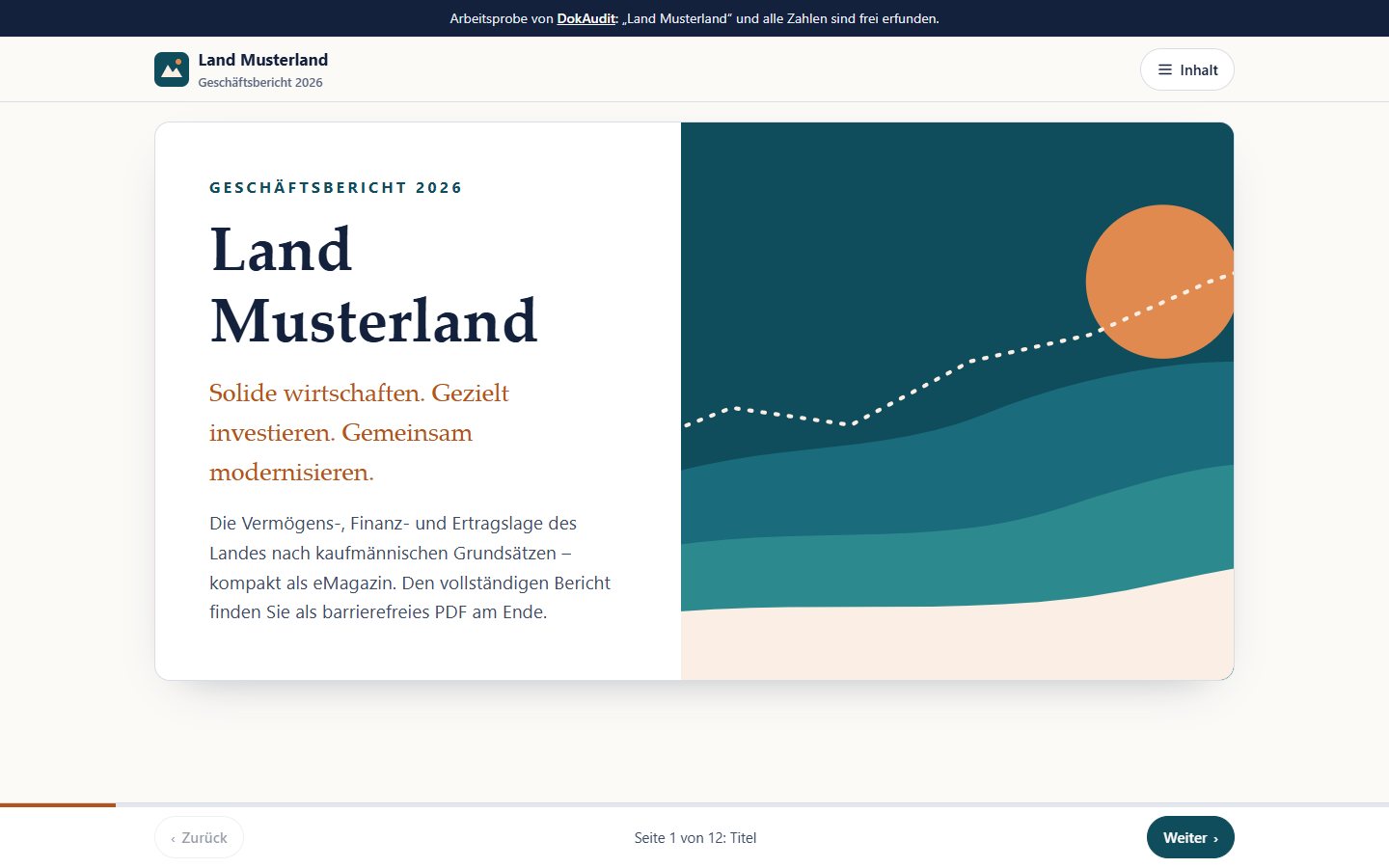
Sample: the annual report of the State of Musterland
A fictitious state, fictitious figures and real technology. The sample shows how we build an eMagazine for an annual report.
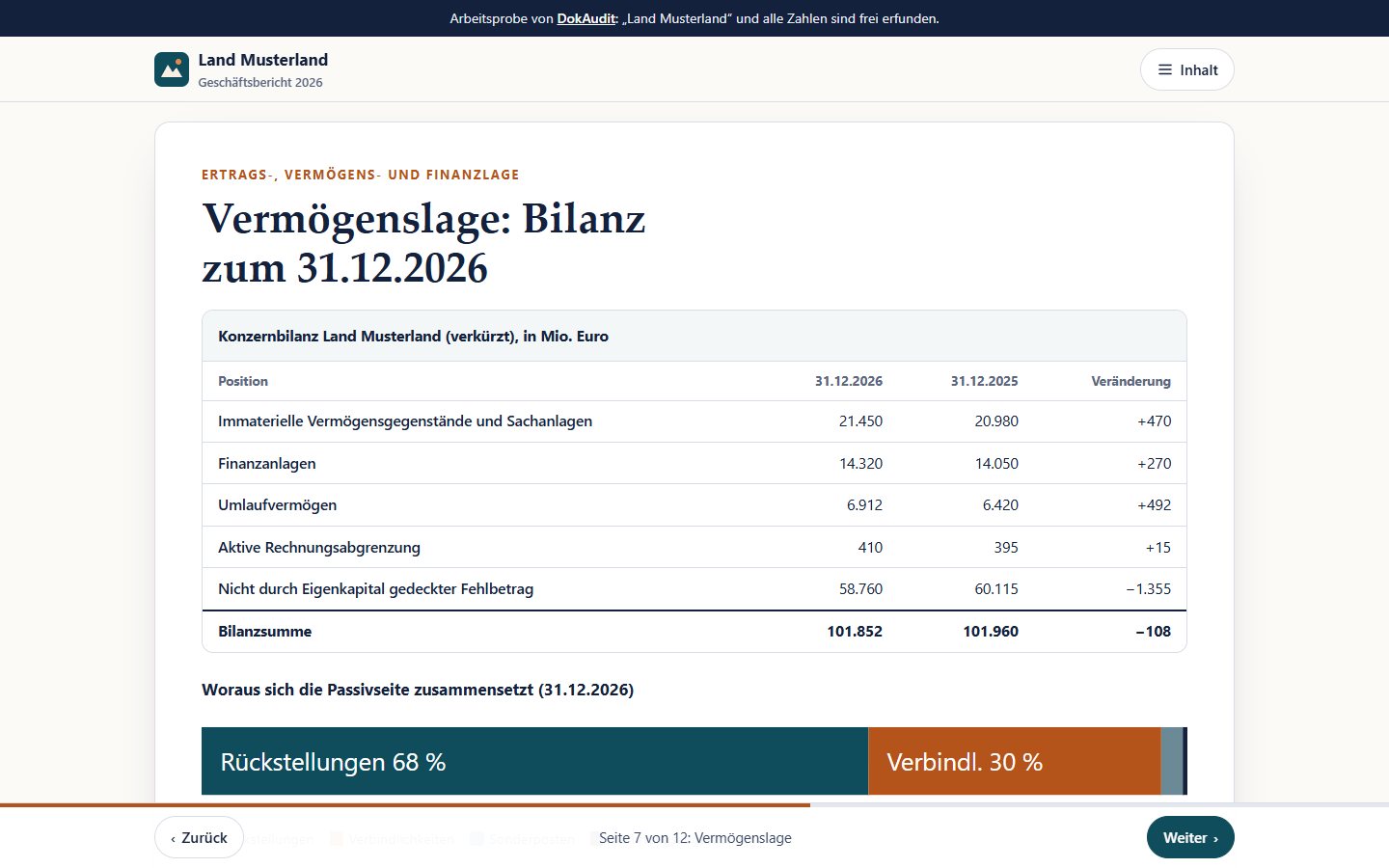
Twelve pages with cover, foreword, key figures, interview, two department portraits, balance sheet, earnings position, reconciliation from the budget to the group, sustainability and downloads. Try it with the keyboard: the arrow keys turn the pages, the Tab key reaches every control. The sample is in German.
- Turn pages by button, arrow key and swipe
- Every chart with a description and data table
- Print view with all pages one below the other
- No motion when “Reduce motion” is set
Open the sample
What we do differently
An annual report appears every year, often in two versions and under time pressure. Errors rarely arise in the design, but between the versions and in the final round of corrections. That is exactly where we come in.
- One source for PDF and eMagazine: We capture texts and figures once in structured form. Both the PDF and the eMagazine are generated from this source. If a figure changes in the final round, it changes in both versions.
- Automatic figure cross-check: Before every release, a program compares every figure in the eMagazine with the corresponding place in the PDF. Discrepancies end up in a list with page and location. You see them before the public does.
- Accessibility with a test protocol: We check the PDF with veraPDF (PDF/UA-1, PDF/A-2a) and pdfa11y, and the eMagazine automatically and manually with keyboard and screen reader. You receive a test protocol for your files and the text for your accessibility statement.
- Mandatory section unchanged, readability improved: We change nothing in the wording or the figures of the audited section. We make sure that a screen reader names the row and column each figure belongs to.
- A design system instead of one-offs: We record the grid, paragraph and table styles, chart types and colour values in a design manual. That keeps the report consistent throughout the contract term, even when content changes.
- One dedicated contact: From planning to publication you have one person who knows your report. Coordination by video conference, on site if needed.
Where annual reports usually fail
A PDF exported from InDesign is often tagged and still not accessible. In a typical report, checking tools find thousands of issues. Most of them stem from design elements that are not marked as decoration. This is how it sounds with the NVDA screen reader (simplified):
Balance sheet table
Before – the screen reader reads: “Intangible assets and property, plant and equipment 21,450 20,980 470 Financial assets 14,320 14,050 …” Which figure belongs to which year?
After DokAudit: “Row Financial assets, column 31.12.2026: 14,320. Column 31.12.2025: 14,050.” The row and column headers are read out with every cell.
What DokAudit does: Tag tables with header rows and row headers, define sections, specify merged cells correctly and mark lines and shaded areas as decoration.
Charts and key figures
Before – the screen reader reads: “Graphic.” Or figures without context: “40.0 38.6 2026 37.8 38.3 2025 …”, because every bar label is a separate piece of text.
After DokAudit: “Graphic: Income and expenditure 2022 to 2026. Income rises from 34.1 to 40.0 billion euros; in 2026 it exceeds expenditure for the first time.” The values are also available as a table.
What DokAudit does: Tag the chart as a figure with alt text, include the labels in the figure and supply the data as a table.
Headers, page numbers, backgrounds
Before – the screen reader reads: “Annual Report 2026 Page 47 Notes to the consolidated financial statements Annual Report 2026 Page 48 …” Starting over on every page.
After DokAudit: The screen reader reads only the content. Headers and footers, coloured areas and lines are skipped. The bookmarks reflect the outline.
What DokAudit does: Mark recurring elements and pure design as artifacts and generate bookmarks from the headings.
A reporting year with us
The process is aligned with your closing date. The schedule is fixed in January and includes set rounds of corrections, so that nobody has to work on demand in the summer.
- Planning: We agree on dates, the scope of the image section, topics and image requirements. At the same time we define what is new compared with the previous year.
- Image section: We design the foreword, interview and department portraits in the existing layout; key figures and infographics are generated from the shared data source.
- Mandatory section: As soon as the audited figures are available, we typeset the management report, financial statements and notes. Tables and charts are generated directly from your data, with no retyping.
- Rounds of corrections: Set rounds of corrections with PDFs you can comment on. Every round goes through the figure cross-check and the automatic accessibility check.
- Checking and acceptance: Final check to PDF/UA, PDF/A and WCAG with a test protocol. Approval of the print-ready file and coordination with your printer.
- Publication: Handover of the eMagazine as a finished folder or directly onto your subdomain. The previous year moves to the archive; all addresses are preserved.
For public-sector clients
DokAudit is geared towards public bodies. We are familiar with the requirements of public procurement.
- Procurement: Bids in public tenders under UVgO and VgV (the German procurement rules below and above the EU thresholds), submitted electronically and in text form. We provide the collective-agreement compliance and minimum wage declarations required by state procurement laws.
- Rights of use: You receive all rights of use, adaptation and sublicensing, unlimited in time and territory, including open files and templates. Everything is covered by the agreed fee.
- Data protection and confidentiality: Unpublished figures remain confidential until release. We process them on servers in Germany, without passing them on to third parties. A non-disclosure agreement goes without saying.
- Multi-year contracts: We are set up for framework agreements covering several reporting years. That saves familiarisation time, and the visual identity stays consistent.
- Design with Webdesign Wolfsburg: Design and programming are handled by our agency Webdesign Wolfsburg; accessibility and the supporting evidence are handled by DokAudit. You have one contact for both.
Frequently asked questions
- Can you continue our existing design exactly?
- Yes. We take over your previous templates (InDesign, IDML or PDF), measure the grid, type sizes and colour values and record them in a design manual. We clarify font licences with you in advance.
- Does accessibility change the look of the report?
- No. In a PDF, accessibility sits in an invisible structure layer. The printed appearance stays the same. In the eMagazine we ensure sufficient contrast, which we coordinate with your colour scheme.
- What happens to the audited section?
- It is taken over unchanged. The figure cross-check additionally verifies that every figure in the finished report matches your original.
- Where does the eMagazine run?
- On your web server, under a subdomain or a path of your choice. It consists of static files, needs neither a database nor plugins and sets no cookies. On request, we deploy it ourselves.
- How do you prove accessibility?
- With a test protocol for each edition: veraPDF for PDF/UA-1 and PDF/A-2a, pdfa11y, a check of the eMagazine to WCAG 2.2 AA and a documented run-through with keyboard and screen reader. We also supply the text for your accessibility statement.
- Can you also make older reports accessible?
- Yes. We repair existing PDFs from the archive automatically with DokAudit, without re-typesetting them. A free website scan shows in advance where your reports stand.
Your next annual report – accessible and in the design you know
Tell us when your report is published and how it is produced today. In half an hour, we will show you what the process with us would look like.
Arrange a call · View the sample